Gazette Notification for Name Change PDF: Format, Sample and Usage:
By Sahil Singh | Legal Document Consultant, Bengaluru | 9 years helping individuals and families navigate name change paperwork across Karnataka, Maharashtra and Delhi:
A gazette notification PDF for name change is the official digital proof of your name change that is
published in the government gazette.
It does not legally change your name. Your name change process is
completed through your name change affidavit and the formal gazette publication
process.
The gazette notification PDF for name change becomes one of the most important documents as it legally validates your name change. It serves as the ultimate proof and can be used to update major documents like your Aadhaar card, PAN card, bank records, and other government IDs. It plays a key role in identity verification after your name change and helps ensure a smooth update process everywhere.
I’ve personally helped over 200 clients in Bengaluru with this process, and many came to me after making mistakes. This guide is based on real issues people face, not just the ideal process you see in other blogs.
Table of Contents
- What Is a Name Change Gazette PDF and Why It Matters
- Typical Structure of a Gazette Notification Entry
- Sample Karnataka Gazette Name Change PDF
- Sample Central Gazette Name Change PDF
- How to Safely Store, Print and Share Gazette PDFs
- Using the Gazette PDF for Aadhaar, PAN, Passport, Bank and Records
- When an Attested Printout of the Gazette PDF Is Needed
- How to Get Duplicate or Additional Copies of the Gazette PDF
- Verifying Authenticity of a Gazette Name Change PDF
- Common Mistakes People Make With Gazette PDFs
- Frequently Asked Questions (FAQs)
What Is a Name Change Gazette PDF and Why It Matters:
The Government of India and state governments publish an official gazette, which is a record of public notices, updates, and announcements. When you publish your name change in this gazette, it becomes part of this official record. After publication, the entry is uploaded online as a gazette notification PDF for name change that you can download.
This PDF acts as legal proof of your name change.
Banks, passport offices, and Aadhaar centres often ask for it. If you only have a name change affidavit and newspaper ads, acceptance can be uncertain. Sometimes they are accepted, sometimes not. Without the gazette, it becomes a situation of uncertainty.
But once you have the gazette notification name change, everything becomes clear and straightforward. It is the strongest proof of your updated name and is accepted across India without confusion.
The gazette name change is important because it is an official government document. It includes your new name, publication date, and remains stored in government records. Because of this, it carries more value than a notarized affidavit and is rarely questioned.
One important point: a Central Gazette (Government of India) PDF holds more value across the country than a state gazette. If you are changing your name for a passport, choosing the Central Gazette is usually the better option.
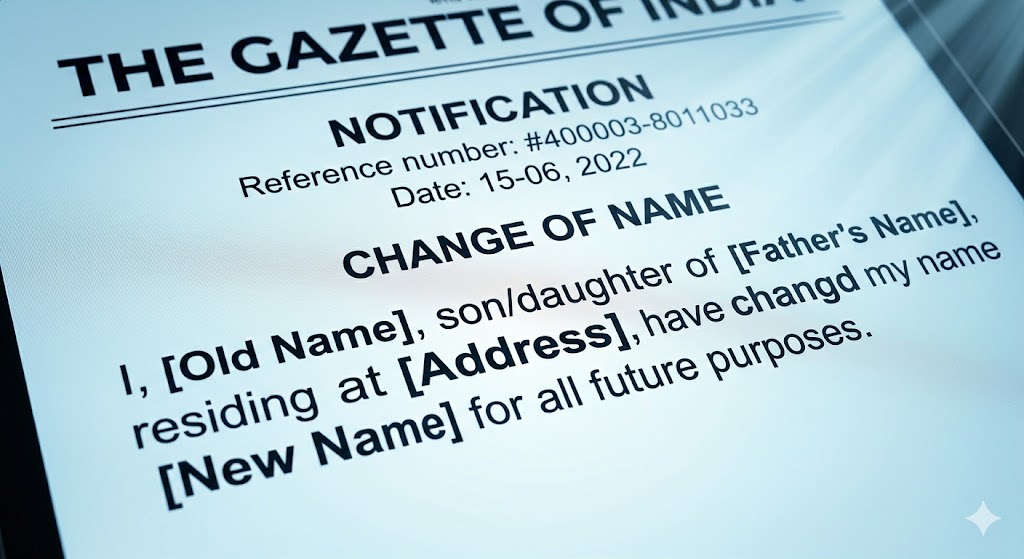
Typical Structure of a Gazette Notification Entry:
A gazette name change is simpler than most people expect. It is not a detailed certificate but a short public notice.
A typical entry includes:
- Serial or entry number
- Date of publication
- State or Central Gazette identifier
- Your full old name
- Your new name
- Your address
- Name change affidavit details (date and authority)
- Signature or witness details (in some cases)
The entry is usually just two to four lines long. Many people expect a formal certificate with a seal or photo, but that’s not how it works.
Also, formats vary by state. For example:
- Karnataka may include Kannada and English
- Delhi is mostly English
- Maharashtra may publish entries in Marathi
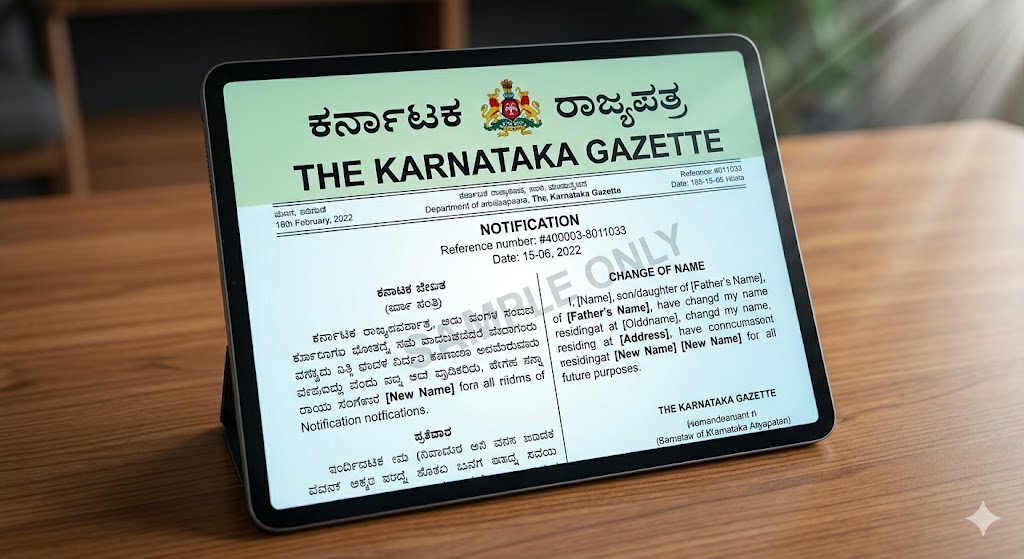
Sample Karnataka Gazette Name Change PDF — Explained Line by Line:
A gazette notification PDF for name change from Karnataka usually follows a simple format. Even though the wording may look technical, it is easy to understand once you break it down.
Here’s what each part typically represents:
- Entry Number: This is the serial number of your notice in that gazette issue.
- Publication Date: The date when your name change was officially published.
- Old Name: Your previous name as per your existing records.
- New Name: The name you are adopting.
- Address: Your residential address mentioned in the name change affidavit.
- Affidavit Reference: Details of when and where your affidavit was created.
Even though the format looks minimal, this short entry is what makes your name change official in public records.
The gazette notification PDF for name change may look simple, but it is extremely powerful. It confirms that your new name has been officially recorded and recognized by the government.
Entry No. 47 | Karnataka Gazette Extraordinary | Part IV | Date: 14 February 2026:
I, formerly known as Ramesh Kumar S/o Nagaraj, residing at No. 12, 3rd Cross, Vijayanagar, Bengaluru – 560040, have changed my name to Rajesh Kumar with effect from 14 February 2026, as per affidavit executed before Notary Public on 10 January 2026.
Line by line:
- "Entry No. 47" — This is your reference number for the issue. Keep it safe, as you may need it later to request a certified copy.
- "Karnataka Gazette Extraordinary | Part IV" — Part IV is the section where personal notices like name changes are published. Do not confuse it with Parts I, II, or III, which are meant for government appointments and laws.
- "S/o Nagaraj" — In most state gazettes, your father’s name is included. If you are married and have changed your name, it may appear as W/o (wife of) or D/o (daughter of) depending on your situation.
- "with effect from 14 February 2026" — This date is very important. Any future document updates should refer to this date.
- "as per affidavit executed before Notary Public on 10 January 2026" — This confirms that your gazette notification and affidavit are linked.
The Karnataka Gazette PDF can be quite long, with many entries across several pages. For example, your entry could be on page 7 out of 22, which is completely normal.
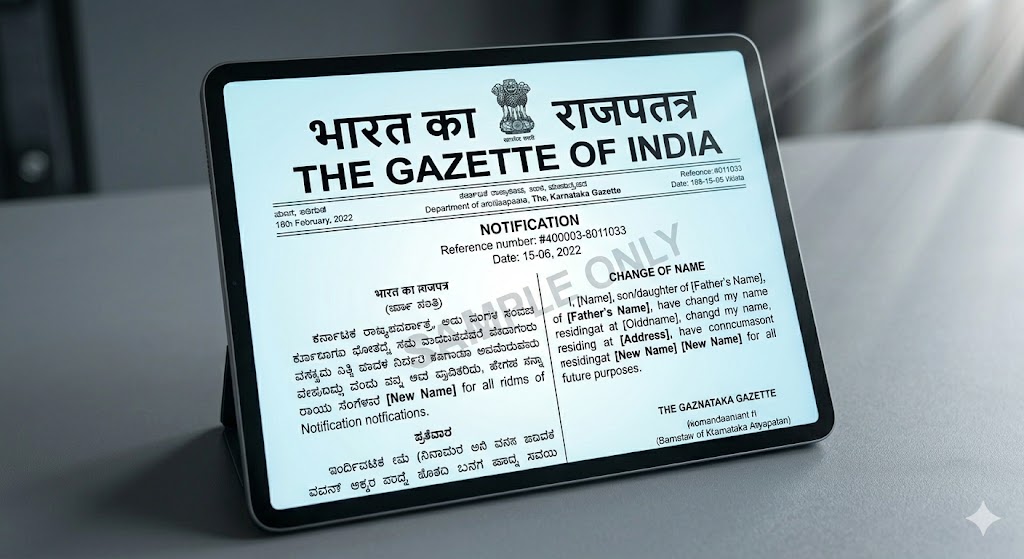
Sample Central Gazette Name Change PDF — Explained:
The Central Gazette is published by the Government of India through the Department of Publication. For personal matters like a name change, you will find it in Part IV, Section 2.
A typical Central Gazette entry looks like this:
Notification No. G.S.R. [number] | Ministry of Home Affairs | Gazette of India Extraordinary | Part IV – Section 2
Priya Mehta, D/o Suresh Mehta, resident of Flat 4B, Sector 12, Dwarka, New Delhi – 110075, hereby gives notice that she has changed her name from Priya Mehta to Priya Sharma with immediate effect, vide Affidavit dated 3 January 2026 sworn before Notary Public, New Delhi.
Every Central Gazette has a G.S.R. number, and passport offices use this number to verify your document. In cities like Bengaluru, applications often get delayed when people submit a state gazette instead of the Central Gazette.
You can download your Central Gazette notification PDF from egazette.nic.in. The website lets you search by name, date range, or notification number. Downloads are free, and you don’t need to register—though the site may go down sometimes for maintenance.
One important thing to note: the Central Gazette format does not include your photo or biometric details. It is only a text-based document.
How to Safely Store, Print and Share Gazette PDFs:
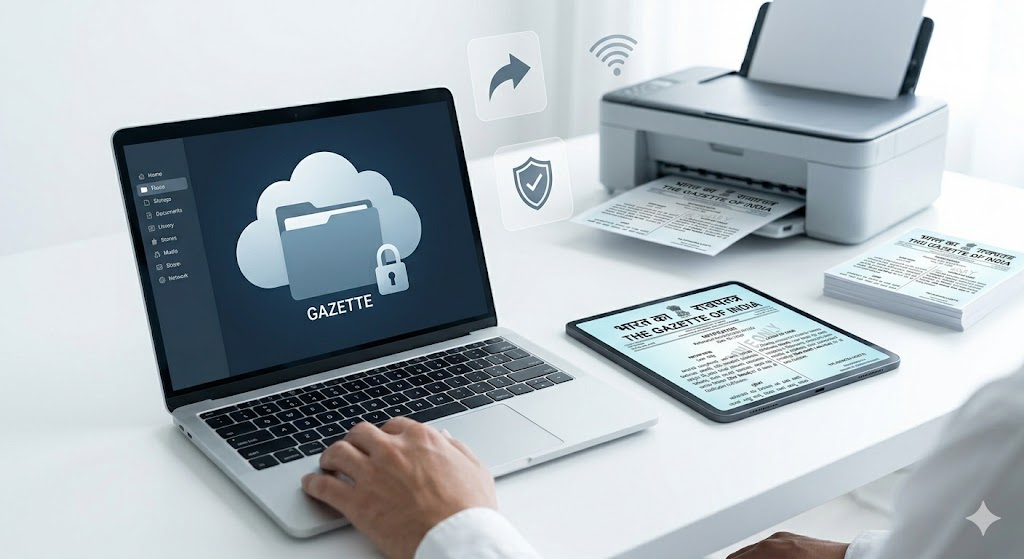
Always download your Gazette PDF from the official government website—egazette.nic.in for Central Gazette or your respective state’s gazette site. Save it in at least two or three places. Keep a copy on your phone, email it to yourself, and store another on a pen drive in a safe place (not your wallet).
Why use a pen drive? Phones can run out of battery or stop working at the wrong time, and many offices do not accept screenshots. A PDF on a pen drive is more reliable.
For printing, use A4 size paper, not A3 unless specifically asked. A black and white printout is enough—color is not required and may even look unusual to some officials. Keep the print clean and clear. If your entry is on a specific page (for example, page 9 of an 18-page PDF), you can print just that page. However, always keep the full PDF with you.
When sharing, always send the original Gazette PDF file. Do not send a scanned copy of a printout, as scans may fail digital verification. Many offices check the QR code or reference number, which may not work properly in scanned files.
Also, do not laminate the printout. Lamination can create problems during attestation and is a common mistake.
Using the Gazette PDF for Aadhaar, PAN, Passport, Bank and Records:
Different authorities have different rules for using a Gazette PDF, which often causes confusion.
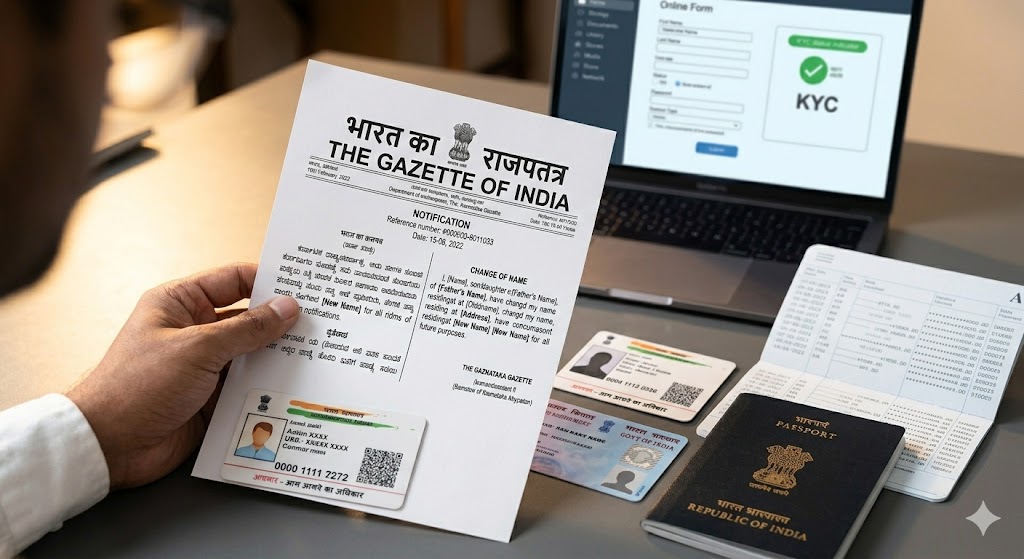
Aadhaar: UIDAI accepts a gazette notification along with the name change form. Carry a plain A4 printout (unlaminated). No notarization is needed. Visit an Aadhaar centre, as the online portal may not accept it.
PAN: Submit the gazette notification with Form 49A. The gazette date will be considered your official name change date.
Passport: The passport office is strict. They usually require the Central Gazette—a state gazette may not be accepted. If you are changing your surname after marriage, carry your marriage certificate as well. Do not rely only on the gazette.
Bank: Most nationalized banks like SBI, Bank of Baroda, and Canara Bank accept a self-attested Gazette PDF printout. Some private banks may ask for a notarized copy, so it’s better to check with your branch in advance.
School/University records: There is no fixed rule. Most institutions accept the gazette notification with a simple application letter. Some may also ask for an affidavit.
When an Attested Printout of the Gazette PDF Is Needed:
In most cases, a simple printout of the Gazette PDF is enough for Aadhaar and bank updates.
However, attestation is required when:
- You are submitting documents to a court
- You are applying for a Central government job or security clearance
- A foreign embassy or visa office asks for it
- The institution specifically asks for a notarized copy or gazetted certified copy
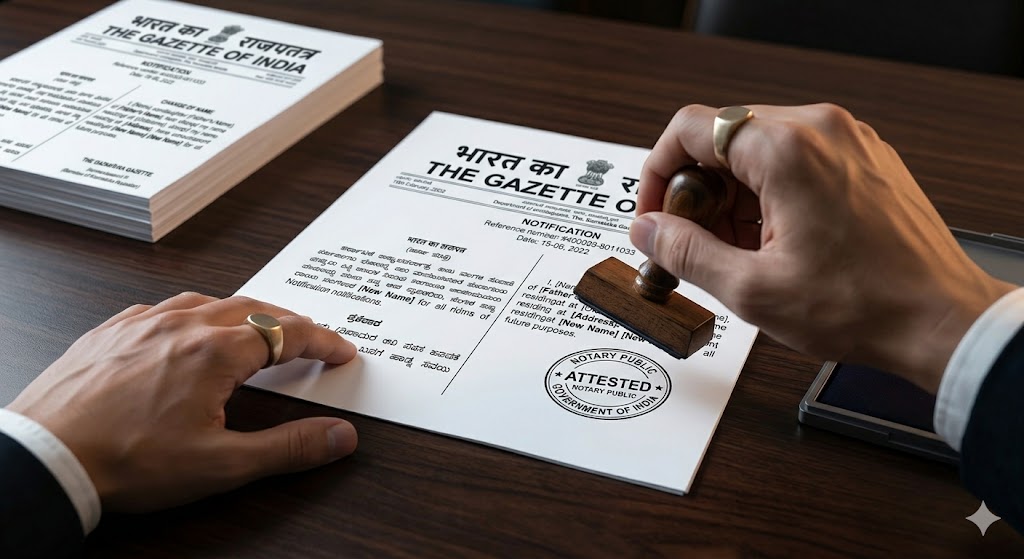
For notarization, take your printed gazette page to a notary public. They will stamp and sign it. The cost is usually between ₹50–₹150 per page (confirm before proceeding).
A certified copy is different. It is issued directly by the Department of Publication or the state gazette office. It carries an official stamp, costs more, takes longer, and has higher legal value, especially in court cases.
Remember: self-attestation, notarization, and certified copies are not the same.
How to Get Duplicate or Additional Copies of the Gazette PDF:
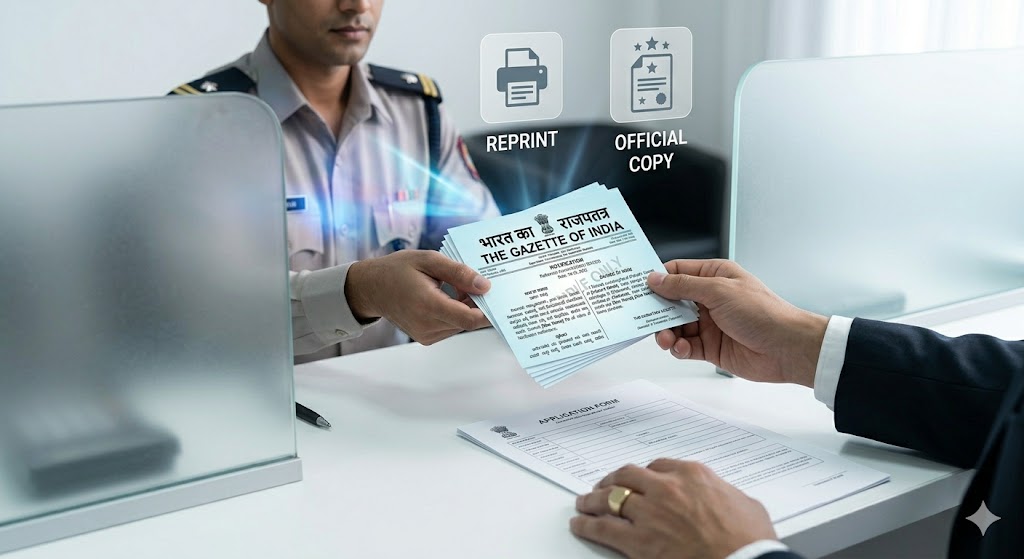
The easiest way to get another copy of your Gazette PDF is to download it again from the original source.
For the Central Gazette, visit egazette.nic.in. You can download your entry anytime—there is no limit.
For state gazettes, the process depends on the state:
- Karnataka: dpal.karnataka.gov.in
- Maharashtra: maharashtragazette.gov.in
- Delhi: egazzette.delhi.gov.in
Some websites are easy to use, while others may require the exact issue date to find your entry.
If you cannot find your gazette online, contact the gazette office directly. For the Central Gazette, visit the Controller of Publications, New Delhi with your entry number or original copy. They can issue a certified duplicate copy for a fee.
For older entries (especially more than 3–5 years old), records may only be available in physical archives, so be prepared to wait a few days.
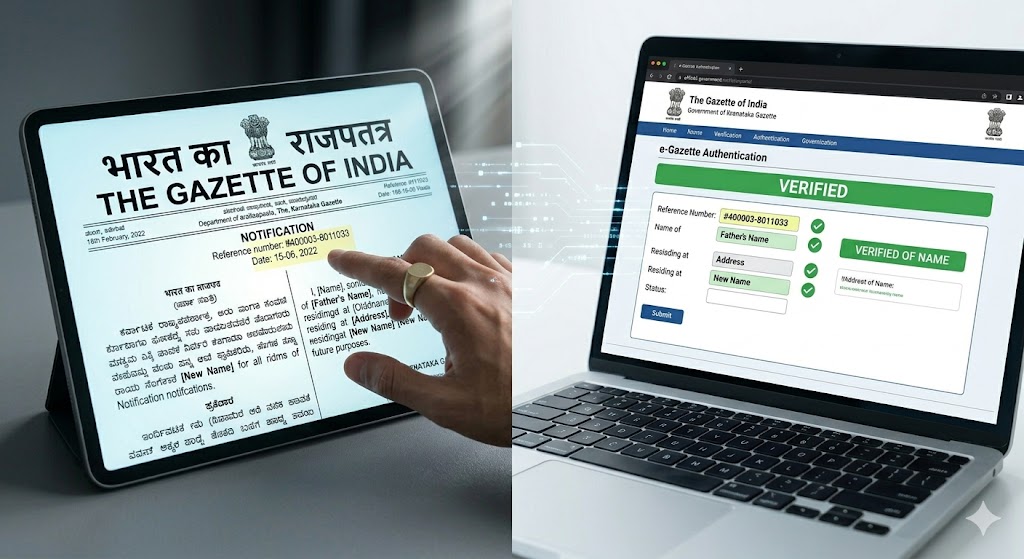
Verifying Authenticity of a Gazette Name Change PDF:
This is important when you are checking someone else’s document, like as an employer or bank officer, and need to confirm if a gazette PDF is genuine.
For Central Gazette PDFs: Visit egazette.nic.in, use the search option, and enter the issue date and notification number. If the same entry appears, it is genuine.
For state gazette PDFs: Most state gazette websites have a search or archive section. Some are easier to use than others, but major states usually provide this feature.
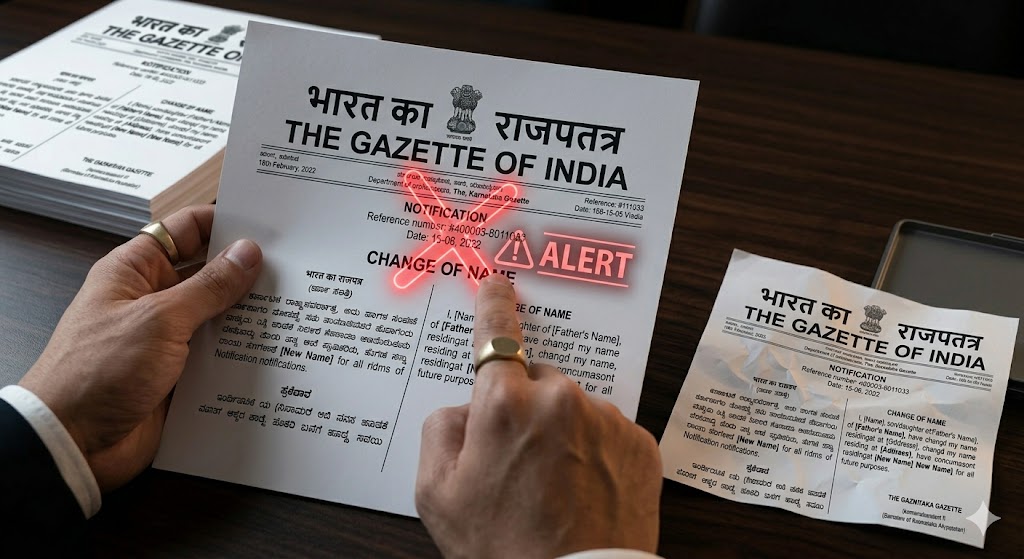
When checking a printed copy, look for key details:
- The gazette header
- Correct issue number and date
- Official government seal
The format should match the standard layout used by that state or the Central Gazette. If the document looks like it was created in Word or poorly formatted, it is a red flag.
Fake gazette documents do exist. A quick check on the official portal can help you catch mismatched entry numbers or missing records.
If you cannot verify it online and the document is important, ask for a certified copy from the gazette office. Certified copies are much harder to fake.
Common Mistakes People Make With Gazette PDFs:
For passport applications, a state gazette is not accepted. You must have a Central Gazette. Otherwise, your application may be rejected.
Always print the document single-sided. Double-sided prints can cause officers to miss important details.
Do not submit a blurry scan. Make sure the gazette PDF is clear. If it looks unclear, download it again from the official website.
Always note the entry number or issue number. You may need it later for verification. File names can change and may not show this information.
Do not assume the gazette PDF is enough on its own. It is usually required along with other documents like:
- Affidavit
- Old passport
- Application form
Use the gazette as part of a complete document set.
Do not delay after publication. Some offices, like passport offices, prefer recent entries. If your gazette is older than 2–3 years, it may raise questions.
Finally, check that your old name and new name are correctly mentioned in the gazette. Any mistake means you will need to apply again and get a new entry published.
Frequently Asked Questions (FAQs)
Can I download a gazette notification for name change PDF for free?
Yes, downloading a gazette notification for name change PDF from egazette.nic.in is completely free. You don’t need to log in or make any payment. Just search using the date or notification number. State gazette portals are also free, although some may be slightly difficult to navigate.
How long does it take for the gazette PDF to become available after publication?
For the Central Gazette PDF, it is usually available online on the same day or within 1–2 days after publication. For state gazette PDFs, the timing can vary. Some states upload quickly, while others may take a few days. If you can’t find it online, you can contact the gazette office for a certified copy.
Is a gazette PDF enough for a name change in a bank account?
Most nationalized banks accept a gazette name change PDF printout. However, some private banks may ask for a notarized copy. It’s always best to call your bank branch first and confirm their requirements.
What if my name is misspelled in the gazette notification?
If there is a spelling mistake in your gazette notification, you need to apply again for a corrigendum or a new entry. The old record will still exist, but the new one will override it. When submitting documents, mention both entries to avoid confusion.
Can I use a state gazette PDF for an Aadhaar name change?
Yes, UIDAI accepts both state gazette PDF and Central Gazette PDF for updating your name in Aadhaar. Unlike passports, a state gazette is fully valid for this purpose.
What's the difference between a gazette PDF and a gazette certified copy?
A gazette PDF is a digital version that you can download online, while a gazette certified copy is an officially stamped document issued by the gazette office. For most uses like banks, Aadhaar, or school records, a PDF printout is sufficient. Certified copies are usually required for court cases or important legal and visa-related matters.
Do I need to print the full gazette issue or just my entry page?
Usually, you only need your entry page. However, it’s best to keep the full gazette PDF saved. Some officers may also ask for the header page, so printing both is a safer option.
Can someone else download my gazette PDF?
Yes. Gazette entries are public. Anyone with your name, date, and gazette type can search and download it. This is because the gazette works as a public notice and is not private.
What should I do if I can't find my entry on the gazette portal?
First, check the gazette publication date carefully, as PDFs may be uploaded a day or two later. If it’s been more than a week, contact the gazette office with your reference number, especially for state gazettes.
Is a screenshot of the gazette portal accepted instead of a PDF download?
No, avoid using screenshots. They usually fail digital verification, and most officers won’t accept them. Always download the official gazette PDF and use that, either as a digital copy or a printout.